
Single-file and batch review
The tool works with individual documents, but it also supports package-level reviews and result organisation for larger workloads.
WCAG Auditor supports accessibility reviews of DOCX, XLSX, PDF, PPTX and ODT files. It highlights issues, explains what they mean, guides the repair process and helps teams prepare clear reports.
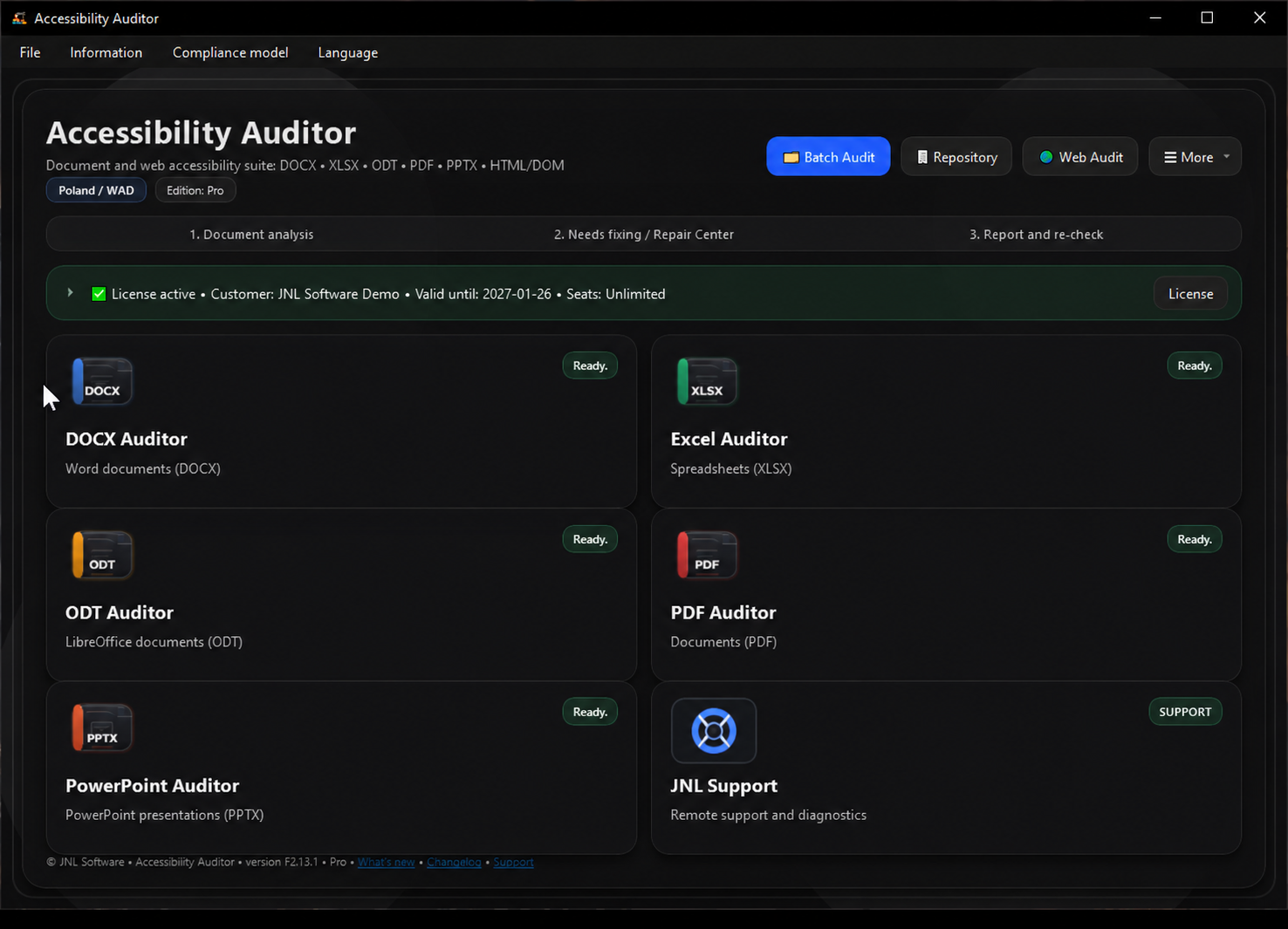
This page now shows real screenshots from the current product build instead of generic placeholders.
The tool works with individual documents, but it also supports package-level reviews and result organisation for larger workloads.
Repair Center explains what is wrong, where the issue is located and what should be corrected before publication.
Results can be shared in a clean, structured form as a basis for correction, internal review or compliance discussion.
Each format has its own analysis path, while the whole product keeps a consistent UI, workflow and reporting model.
Checks headings, styles, tables, lists, alternative text and other elements important for screen-reader access.
Reviews readability, data structure, sheet naming, headers and elements that make information harder to understand.
Checks tagging, metadata, document language, core structure and areas that still require manual expert review.
Evaluates slide titles, language, links, reading order and presentation-level accessibility findings.
Supports LibreOffice and OpenOffice files, with a strong focus on structure, styles and publication readiness.
These four screens best show the real workflow — from audit results and repair guidance to format-specific analysis.
Compliance summary, issue priorities and direct access to items that need correction.
Detailed issue context, risk explanation, repair actions and a post-fix verification checklist.
PDF review with metadata, tagging, document language and findings that require expert assessment.
Presentation audit with rules, slides, evaluation methods and accessibility findings visible in one view.
The screenshots show the English product interface used for demos. Captions match the English website version.
The best next step is a short demo using real files or a focused discussion about a pilot in your organisation.
The workflow stays simple while still giving a complete picture of what must be improved before publication.
The user chooses a single document or a larger set of files to be reviewed.
The program performs format-specific checks and presents the compliance result.
Repair Center and rule descriptions help the user move through corrections in a structured way.
A clean PDF report can be prepared for the author, internal team or customer.
WCAG Auditor can be deployed as a local tool for an organisation. During the implementation conversation we define the module scope, licensing model, update path and demo or training requirements.
Short, direct answers with no marketing noise.
Yes. The product is designed for local workflows, which is important for organisations handling internal or sensitive documents.
No. The tool detects issues, supports the repair process and explains the rules, but part of the correction still requires human judgement.
Public institutions, healthcare, education and companies that publish documents and want a more structured accessibility workflow.
We can walk through DOCX, XLSX, PDF, PPTX and ODT examples and show reporting and repair in practice.